
Play
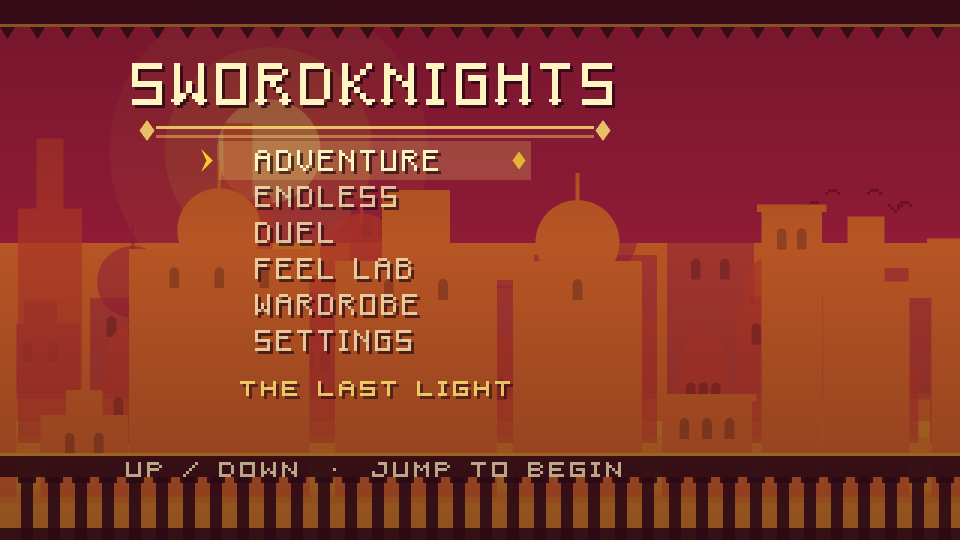
The first start downloads the engine: about 40 MB before compression. Open the game on its own page to give it the whole window — on a phone, that is the way to play it; turn the phone sideways.
What works where
- Adventure, Endless and Feel Lab play with a keyboard, a gamepad or touch. On a touchscreen the left half is a floating stick, and JUMP and SWORD sit on the right.
- Duel, the tug of war, is two players sharing one keyboard.
- Duel Online is the same tug of war on two devices — the way to duel on phones, where two players do not fit on one screen. With the Android app on two phones in the same Wi-Fi: one picks Host on this Wi-Fi and shows a short code, the other picks Join on this Wi-Fi and types it. On a touchscreen the stick runs and, pushed up or down, sets the sword's height; JUMP, SWORD and THROW sit on the right. A browser cannot host, and a page served over HTTPS cannot reach a phone on the local network, so from this page the online duel only works through a relay room (see the netplay notes); none stands behind this page.
- Sound starts with your first key press or tap: browsers keep a page silent until then.
Android
This is a development build, rebuilt from the latest commit on
main every time it changes and signed with a debug key. It is for trying the
game on a phone, not a release: it is not in any store. It does know when it is out of
date: when a newer build is published, its title screen says
UPDATE AVAILABLE, and tapping that downloads the new one. It runs on ARM phones and
tablets, 32- and 64-bit.
Installing it
- Open this page on the phone and tap Download the APK.
- Open the downloaded file. Android asks whether to allow installing apps from your browser, or from your file manager; allow it for that one app.
- Tap Install. Android may warn that the app is from an unknown source; that is what any APK from outside a store looks like.
After that, updates install over the game in place: tap UPDATE AVAILABLE on the title screen, then Update when Android asks. Every development build is signed with the same key, which is what lets one install over the last.
If Android says the app is not installed or conflicts with an existing package, the copy on the phone was signed with a different key — an older download from this page, or a release build. Uninstall it once, then install again. Uninstalling clears the game's saved settings.
The game
The adventure
A platformer with the cadence of Prince of Persia: movement with weight to it, jumps you commit to, and ledge grabs that happen by themselves when you fall past a corner while moving into it. Press up to mantle, down to let go.
Adventure is The Last Light: one evening in a city built to keep the sun, in five hand-built chapters from the late-afternoon Sun Terrace to the Sun Well at night, and a King to face in the Vault at the bottom. Each chapter brings one new foe and one new machine — a shield-bearer, a hunting cat, a man with a burning glass, an owl; counterweighted gates, crumbling stone, mirrors that aim the low sun, blades on the music's beat — and the light goes down as you go. Endless chains generated levels, and each one is proven reachable before you are given it. Feel Lab lines up every kind of obstacle side by side, to try the movement on.
The duel
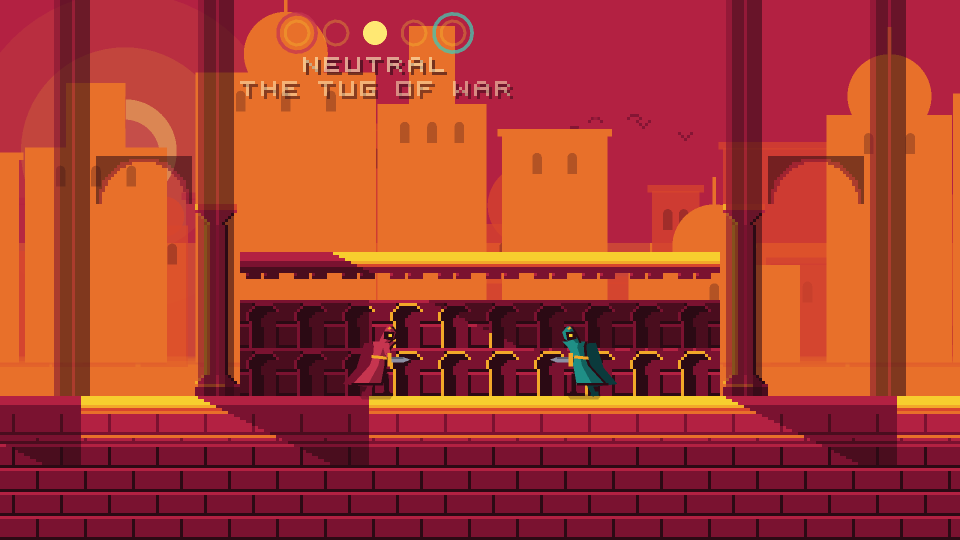
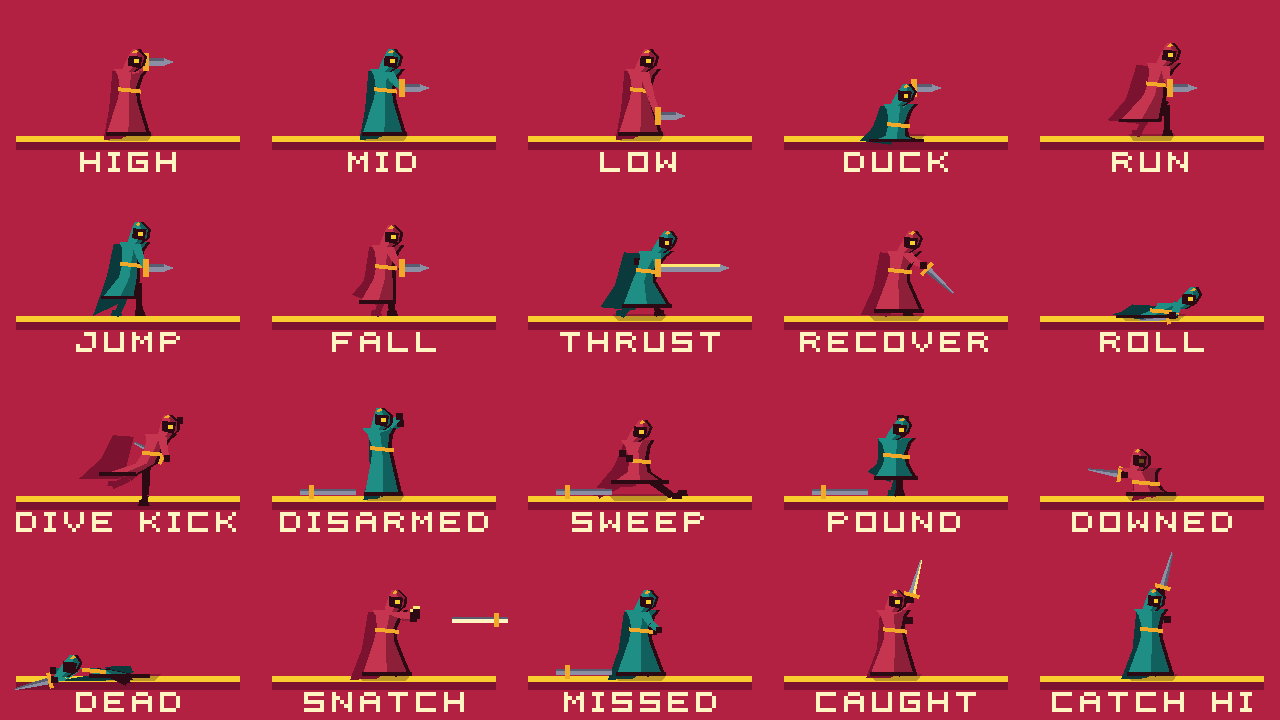
A tug of war in the spirit of Nidhogg: one hit kills, and every kill sends the world scrolling toward the killer's gate. Hold the sword high, middle or low; meet a thrust at its height and the blades clash, move into its height just as it starts and you disarm the attacker. A sword can be thrown, and an empty-handed fighter still has a sweep and a stamp.
It is being rebuilt on that model now, so expect it to change.
The look
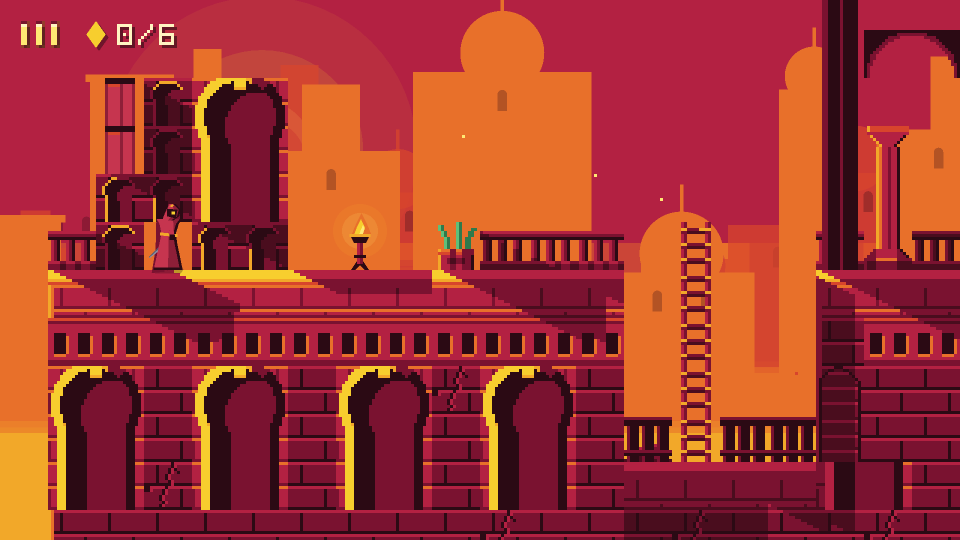
It is late afternoon in a stone city and the sun is nearly on the horizon. Every surface is either lit gold or lost in crimson shadow, and the line between them is hard.
There are no hand-drawn assets. Terrain, skyline, characters, lettering, effects and sound are all generated by code from one small palette and one tuning table — including the images on this page, which are rendered from the game itself.
Controls
| Action | Keyboard | Gamepad | Touch |
|---|---|---|---|
| Move | ← → / A D | Stick / D-pad | Left half — floating stick |
| Up / down | ↑ ↓ / W S | Stick / D-pad | Push the stick up or down |
| Jump | Space / K | A | JUMP |
| Sword | J / E / Enter | X / B | SWORD |
| Walk (slow) | Shift | L1 | Small stick deflection |
| Pause | Esc / P | Start | II |
| Mute | M | — | — |
Ledge grabs happen automatically when you fall past a grabbable corner while moving into it; press up (or jump) to mantle, down to let go. Hold down and press jump to drop through a one-way platform.
| Action | Player one | Player two |
|---|---|---|
| Run | A D | ← → / numpad 4 6 |
| Sword high / low | hold W / S | hold ↑ / ↓ / numpad 8 5 |
| Duck | hold S, standing still | hold ↓, standing still |
| Jump | Space / V | K / numpad 0 |
| Thrust | F | J / numpad 1 |
| Throw the sword | G | L / numpad 2 |
| Roll / dive kick | down + jump, on the ground / in the air | |
Holding neither up nor down is the middle stance. Up + throw angles the throw upward. An empty-handed fighter sweeps on the ground and stamps from the air, and picks a sword up by holding down over it. The bindings are keyboard-only by design: a Godot action cannot tell two gamepads apart.